





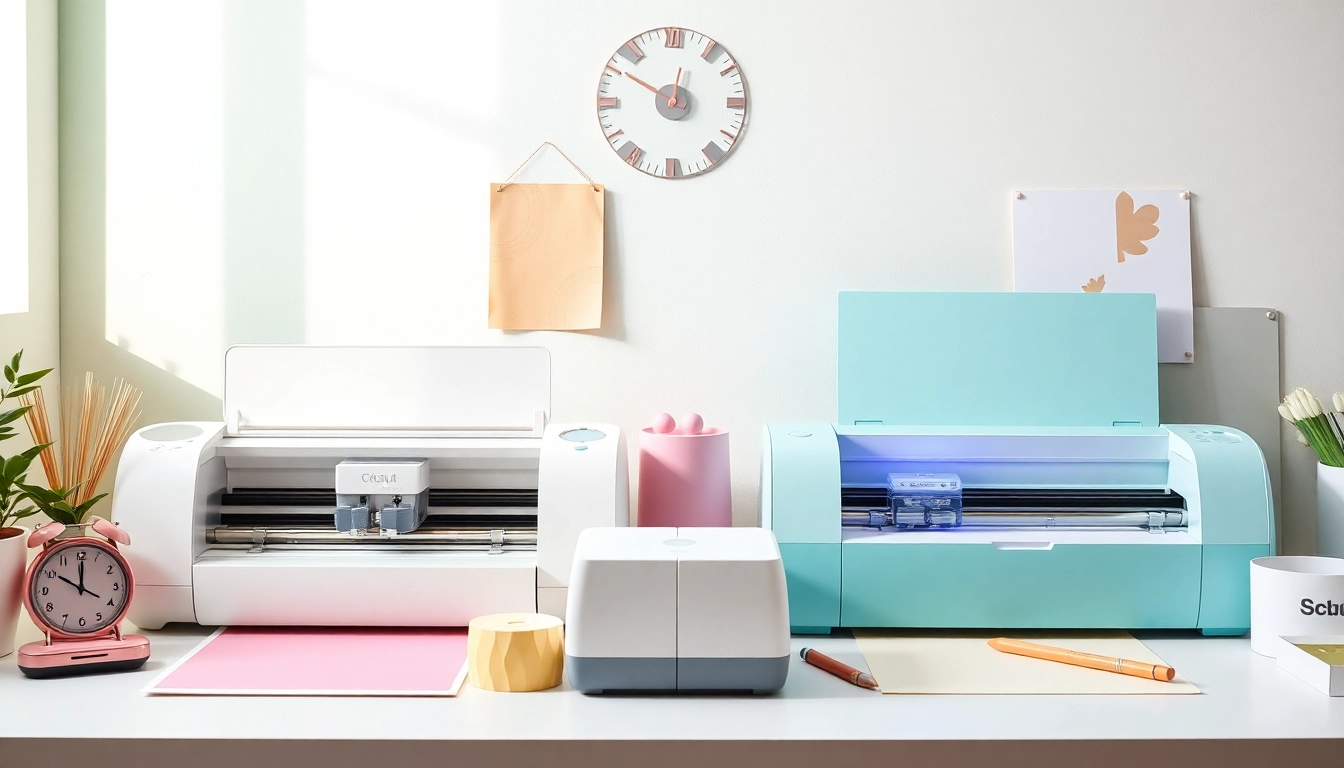
Understanding the Basics: Silhouette vs Cricut Machines
Choosing between cutting machines can be a daunting task, especially for beginners eager to dive into the world of crafting. Understanding the nuances of the silhouette vs cricut debate is crucial to making an informed decision. Each machine brings its own strengths and weaknesses, catering to different crafting styles and user preferences. This article breaks down the key features, capabilities, and applications of both Silhouette and Cricut machines, empowering you to choose the best fit for your creative projects.
Overview of Cricut Machines: Key Features Explained
Cricut machines are renowned for their user-friendliness and extensive design library. The Cricut Maker, for example, is a versatile machine that can cut, write, and score various materials, including fabric, leather, and wood. Key features include:
- Adaptive Tool System: This allows users to switch between tools for cutting, writing, and scoring effortlessly.
- Design Space Software: A cloud-based application that provides access to thousands of designs and images.
- Built-in Bluetooth: Enables wireless connection for added convenience.
Exploring Silhouette Machines: Unique Selling Points
The Silhouette series, particularly the Cameo model, offers a different set of advantages. Known for its cutting-edge features, the Cameo 4, for instance, is praised for its precision and ability to handle thicker materials. Key features include:
- AutoBlade Technology: This feature automatically adjusts the blade depth based on the material being used.
- Silhouette Studio Software: A powerful design tool that allows for advanced design manipulation and customization.
- Larger Cutting Area: Silhouette machines typically offer a larger cutting space compared to Cricut, accommodating bigger projects.
Common Myths About Cutting Machines: Fact vs Fiction
There’s a lot of misinformation regarding both Cricut and Silhouette machines. Let’s address some common myths:
- Myth: Cricut is only for beginners: Truth: Cricut machines have advanced capabilities suitable for both beginners and experienced crafters.
- Myth: Silhouette is more complex: Truth: While it does have a steeper learning curve, Silhouette offers robust features that appeal to advanced users.
- Myth: Cricut is more expensive: Truth: Pricing can vary based on the model and accessories, making both brands accessible at different price points.
Comparative Analysis: Silhouette vs Cricut Functionality
Cutting Precision and Efficiency: A Side-by-Side Look
When it comes to cutting precision, both machines deliver exceptional results. However, their strengths lie in different areas:
- Cricut: Known for its reliable and consistent cuts across a range of materials, the Cricut Maker excels in intricate designs.
- Silhouette: The Cameo 4 offers superior capabilities for thicker materials, making it ideal for more complex crafting needs.
User Interface Experience: Navigating Both Machines
The user interface is a critical component of crafting machines. Cricut’s Design Space is generally favored for its ease of use, featuring a simple drag-and-drop interface. On the other hand, Silhouette Studio offers more complex functions suitable for detailed designs, appealing to those who may have prior design software experience. Understanding these differences can help users select the machine that aligns with their technical comfort levels.
Software Compatibility and Ease of Use: Insights for Beginners
Both Cricut and Silhouette machines come with proprietary software, but their approaches differ. Cricut Design Space is geared towards crafting novices, offering templates and an intuitive interface. Silhouette Studio, however, caters to advanced users with comprehensive design tools and customization options. For beginners, Cricut might be the more inviting option, while Silhouette offers a depth of functionality that can be rewarding with time and practice.
Cost Considerations: Silhouette vs Cricut Pricing
Initial Investment: What to Expect in 2026
The initial cost of purchasing a cutting machine varies significantly. As of 2026, the Cricut Maker typically retails around $399.99, but it can often be found on sale for about $349.99. In comparison, the Silhouette Cameo 4 has a retail price of around $299.99. It’s essential to consider not just the purchase price, but also the expected longevity and durability of the machines when making this investment.
Ongoing Costs: Materials and Accessories Comparison
Beyond the initial purchase, both machines incur ongoing costs for materials and accessories. Cricut accessories, such as blades and mats, tend to be priced slightly lower compared to Silhouette. However, Silhouette’s ability to cut a wider range of thicker materials may justify the investment for users focused on diverse crafting projects.
Value for Money: Analyzing Crafting Needs
Determining value for money involves looking beyond the price tag of the machines. Consider your crafting needs and the types of projects you plan to undertake. If your focus is on fabric and intricate designs, the Cricut Maker might provide more value. For those interested in a variety of materials and advanced design capabilities, the Silhouette Cameo could be the better investment.
Practical Applications: When to Choose Silhouette or Cricut
Best Use Cases for Cricut Machines: Popular Projects
Cricut machines are highly suitable for a range of projects, making them popular among crafters. Here are some ideal applications:
- Card Making: With the precision cuts and design features, Cricut machines excel in creating detailed greeting cards.
- Vinyl Decals: The ability to cut intricate designs makes Cricut perfect for custom vinyl projects.
- Fabric Projects: With the rotary blade, Cricut machines can efficiently cut fabric for quilting and apparel.
Silhouette Crafting Applications: Versatility in Design
Silhouette machines are equally versatile but shine in different areas. Here are some practical applications:
- Custom Stickers: Silhouette’s capabilities allow users to create high-quality stickers from various materials.
- 3D Projects: The ability to cut thicker materials enables the creation of intricate 3D designs, from boxes to decor items.
- Professional-Level Designs: For crafters looking to produce professional-grade outputs, Silhouette offers more robust design tools.
Crafting for Business: Choosing the Right Machine for Profitability
For entrepreneurs, selecting the right cutting machine is crucial for profitability. Cricut is highly favored for its ease of use and broad appeal among hobbyists. In contrast, Silhouette’s advanced capabilities appeal to those looking to create unique, high-quality products. Evaluate your target market and the types of products you wish to offer to determine which machine aligns with your business goals.
Future Trends: The Evolution of Cutting Machines in 2026
Innovative Features on the Horizon: What to Look For
The evolution of cutting machines is marked by the introduction of innovative features. As we move further into 2026, some anticipated advancements include:
- Smart Materials: New materials that interact with machines could enhance cutting capabilities and accuracy.
- AI Integration: Artificial intelligence may offer more personalized crafting experiences, streamlining the design process.
- Advanced Software Capabilities: Improvements in software may provide more robust editing tools and enhanced user interfaces.
Sustainability in Crafting: Eco-Friendly Machine Options
As the crafting industry continues to grow, so does the focus on sustainability. Expect to see machines that prioritize eco-friendly materials and processes, appealing to environmentally conscious crafters. Innovations may include biodegradable materials and energy-efficient cutting technologies, catering to the green crafting community.
Community Insights: What Experienced Crafters Are Saying
Gathering insights from the community is invaluable. Many experienced users emphasize the importance of hands-on experience with both machines. Online forums and social media groups provide platforms for sharing tips, project ideas, and troubleshooting advice. Engaging with these communities can help you gain a deeper understanding of which machine may best suit your individual crafting journey.




More Stories
Top 10 Hobbies to Enrich Your Leisure Time Effectively